
If your organization has assigned you learning, you'll find it in two places.
On the Learn page
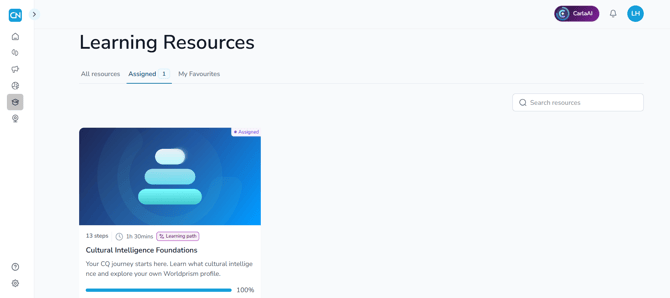
Click Learn in the side navigation panel, then open the Assigned tab. The number beside the tab shows how many paths you've been assigned. Each one has a progress bar, so you can see how far you've got.
On your Home page
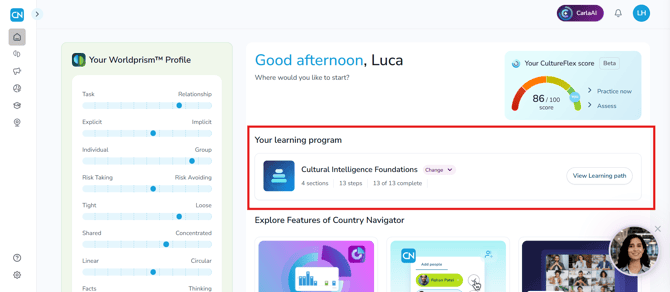
Your current path appears in Your learning program, with your progress and a View Learning path button. Everyone starts with Cultural Intelligence Foundations. To switch to another assigned path, use the Change dropdown.
Can't see a path you've been told about?
Check with the person who manages Country Navigator at your organization, as they may not have assigned it yet.
Any questions? Email us at support@countrynavigator.com.